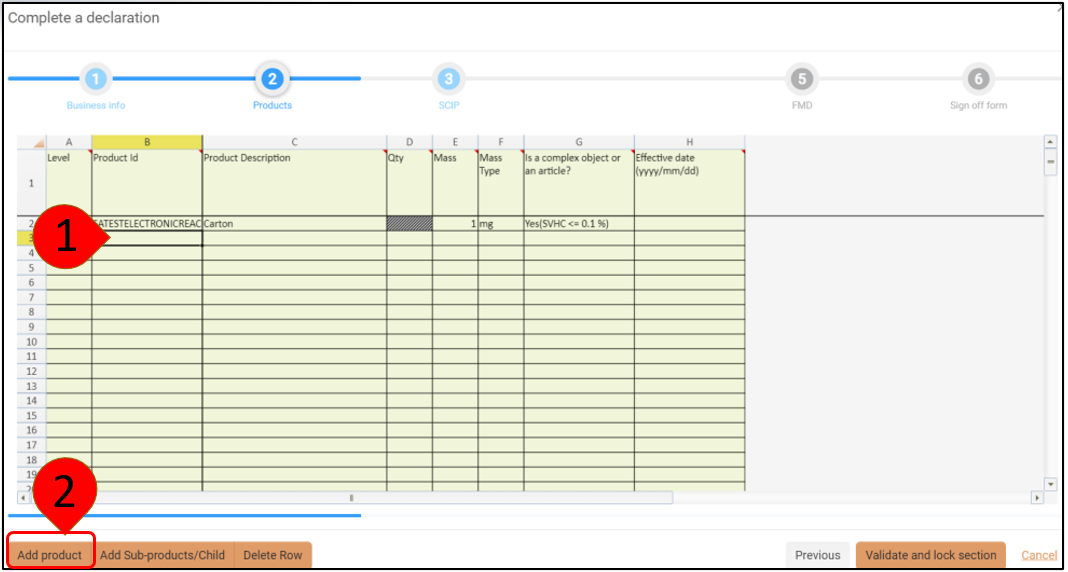
If you would like to enter additional product information to the portal data collection Request, pick the blank cell below the existing product and click Add Product
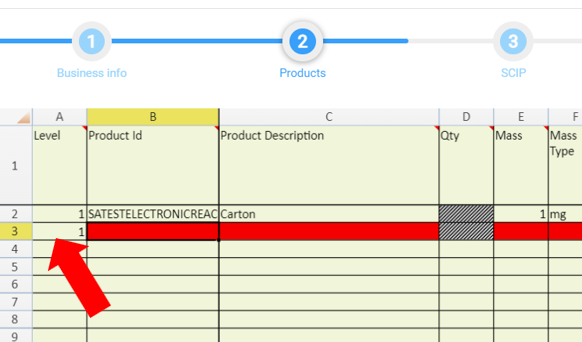
A new row will be added at Level 1 to indicate a top level Product.
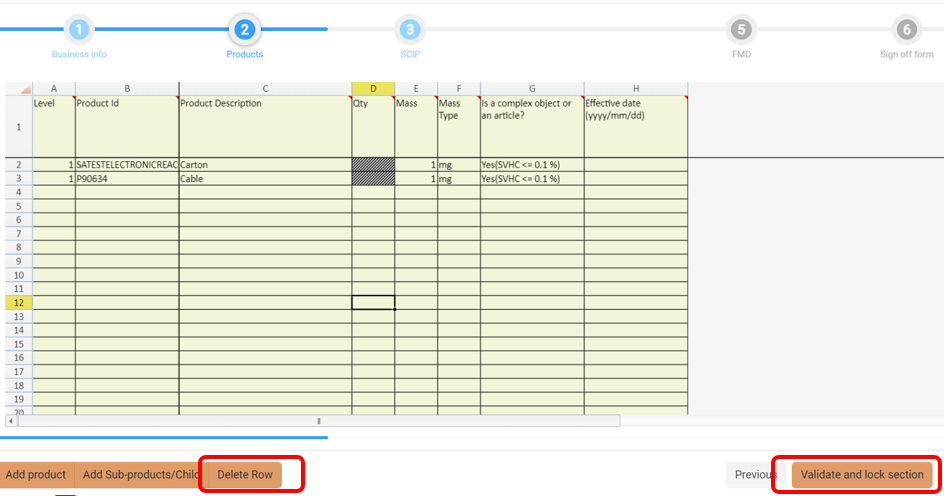
Complete the mandatory fields so you can Validate and lock section and move on to the next section.
If you add a row by mistake or make an error, click any cell in that row and press Delete Row. There is no undo for this action!